Introduction
Before we talk about web development, we need to talk about the internet. But even before we talk about the internet, we must first talk about computers.
You may be a little confused. You might be asking, "I know how to use a computer, what is there to learn?". You will see in a moment.
Components of a computer
Computers are not a single unit of machinery. Inside are various machines, each with its own purpose, that gracefully work together to make computers function as a single machine.
Storage
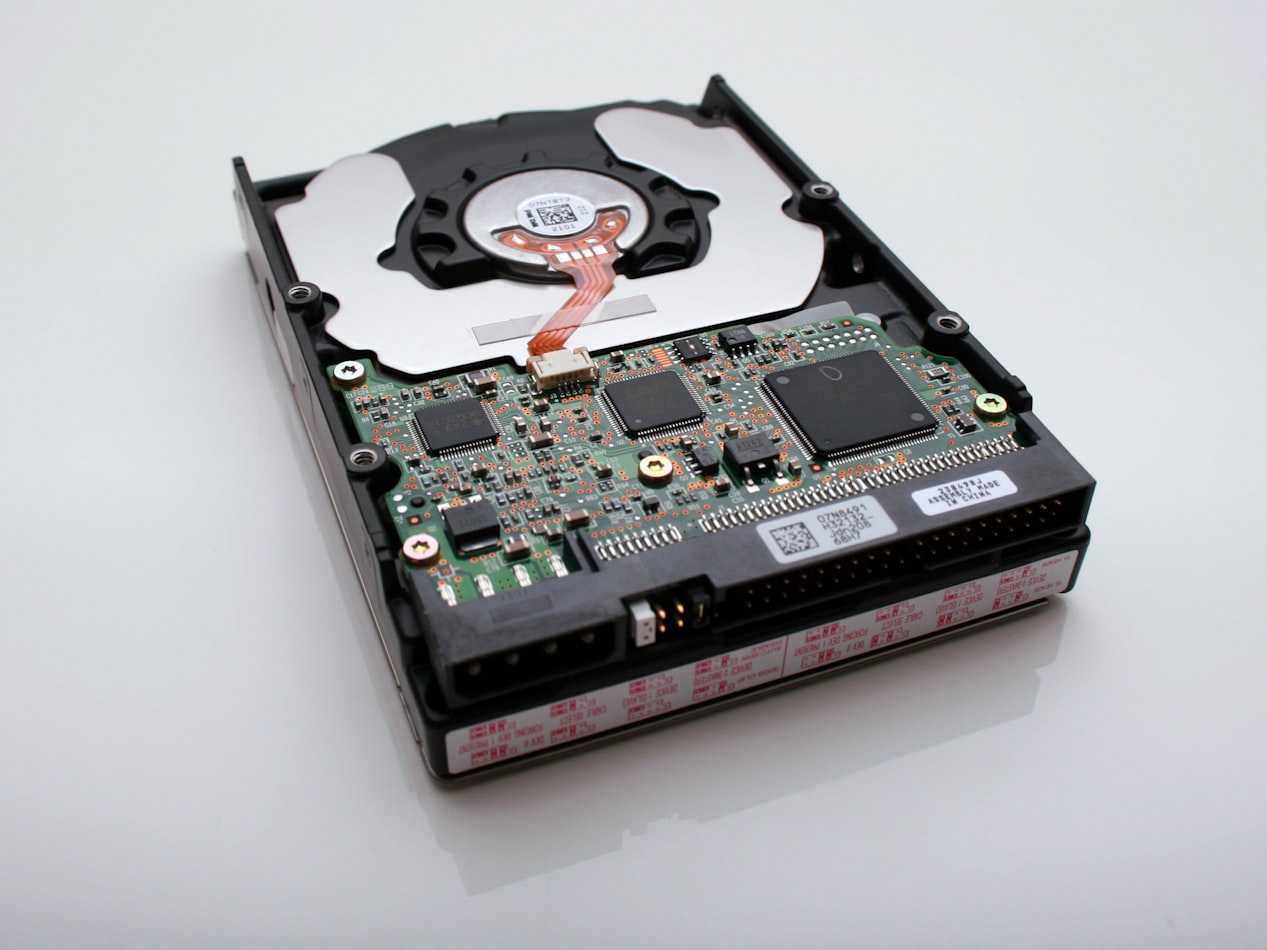
HDD with its cover removed
Data on a computer is stored in its storage. Nowadays, this is often a disk called HDD, or special chips called SSDs. Its capacity is usally measured in Gigabytes.
processor

A processor
Processors, or CPU (Central Processing Unit) are the brain of the computer. They read computer programs and data stored in the storage, operate on them, and produce some useful results.
Intel and AMD are big players in the CPU market - Intel in particular has been massively successful with its PR for the Core series, and many computers today have the "Intel Core inside" stickers tacked on.
In addition, modern processors often have multiple cores. In simple terms, they have multiple CPUs within a single CPU. This can be used to run multiple programs at once and boost performance.
Memory

Close-up of a RAM
Back in the days, CPU directly read data out of the storage. However, as CPUs became faster, the storage did not evolve fast enough.
Eventually it got to the point where storages could not send data to the CPU fast enough to keep up with its processing speed.
Thus, modern day computers often have a memory, usually called a RAM, that solves this issue. RAM, in exchnage for having a smaller capacity and being gexpensive, can operate
way faster than a HDD/SSD. When you run a program on your computer, data related to that program will be loaded onto the RAM, from which the CPU can quickly read and write data.
Other components
There are much more components to computers than the above three, but since this is a tutorial on web development, we will not explore them for now.
The OS
Computers indeed have many components work together intricately. Thus it can be very difficult to manage all of these components.
Say you want to run multiple programs on a single CPU. A single CPU can generally perfomrm one task at a time, so if you want to run multiple
programs at once, you need to rapidly switch between the programs and create the illusion as if all programs are running simultaniously.
This technique is known as context swithing, and writing the code to do this yourself can be very difficult. This is where the OS, or Operating Systems, come in.
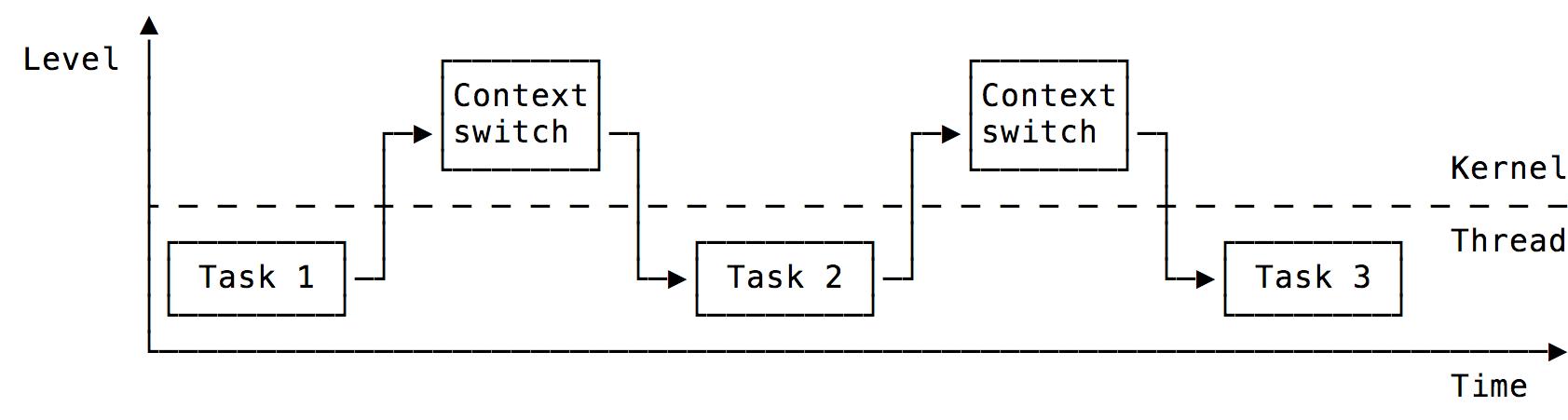
Context switching
In technical terms, OS provides abstraction of computer hardware for higher level applications. Put more simply; OS are software the manages the hardware of the computer,
so users can easily run programs like Word and Google Chrome.
Modern OS can perform many tasks - context switching is just one exmaple. Some other things OS does include:
- Organizing data on your computer
- Managing when and what data enters/leaves the RAM
- Handling keyboard/mouse inputs
- Protecting data on your computer using passwords
Lastly
For now, these information may not be useful for web development. Later, howeevr, we will see that having a deep understanding
of computers can help in various situations.